
Cart 0


Share
Table of Contents
AI User Experience: Elevating Interactions with Artificial Intelligence
Artificial intelligence is no longer a futuristic concept—it’s embedded in our daily workflows, entertainment, and decision-making. Yet the success of any AI system hinges on one critical factor: the AI user experience. Without thoughtful design, even the most powerful algorithms fail to deliver value. Artificial intelligence user experience is the discipline of crafting interactions that feel intuitive, trustworthy, and genuinely helpful. It goes beyond simple usability to encompass personalization, transparency, and ethical alignment. For businesses, mastering AI UX directly correlates with customer retention, operational efficiency, and revenue growth. Research from McKinsey shows that organizations prioritizing user-centric AI see 20–30% higher customer satisfaction rates. This article explores the principles, strategies, and future directions of AI user experience, drawing on real-world examples and proven methodologies. Whether you’re a product manager, designer, or executive, understanding how to design for AI is essential in a landscape where user expectations are rising faster than ever before. We’ll cover everything from intuitive interface design and conversational AI to bias mitigation and measurement techniques. By the end, you’ll have a clear roadmap for creating AI-powered experiences that users actually want to engage with.
What Is AI User Experience and Why It Matters
To grasp AI user experience, we must first distinguish it from traditional UX. Classic UX focuses on static interfaces—buttons, menus, forms. Artificial intelligence user experience deals with dynamic, adaptive systems that learn from user behavior. The interface might change based on context, preferences, or even emotional state. This introduces layers of complexity: the AI must anticipate needs, explain its reasoning, and recover gracefully from errors.
A 2023 study by PwC found that 73% of consumers point to experience as an important factor in their purchasing decisions, yet only 9% of companies effectively use AI to improve it. The gap is significant. When users encounter an AI that misunderstands them, provides irrelevant recommendations, or behaves unpredictably, trust erodes quickly. Conversely, a well-designed AI UX feels almost invisible—it anticipates, assists, and augments human capability without friction.
According to Nielsen Norman Group, AI systems require a different design thinking approach. Unlike deterministic software, AI outcomes can be probabilistic and non-obvious. This means designers must plan for edge cases, provide fallback options, and communicate uncertainty clearly. For example, a flight booking chatbot should not only find flights but also explain why certain options appear and allow users to correct misunderstandings mid-conversation.
The stakes are high. A poor AI user experience can lead to abandon rates exceeding 60% for first-time users, according to data from Capgemini. On the flip side, personalization layers driven by AI can increase conversion rates by up to 15%. The bottom line: AI UX is not a nice-to-have—it’s a competitive differentiator.
Core Principles of AI User Experience Design
Designing for AI demands a shift in mindset from feature-centric to user-centric. Below are the foundational principles every practitioner should internalize when working on artificial intelligence user experience.
Transparency and Explainability
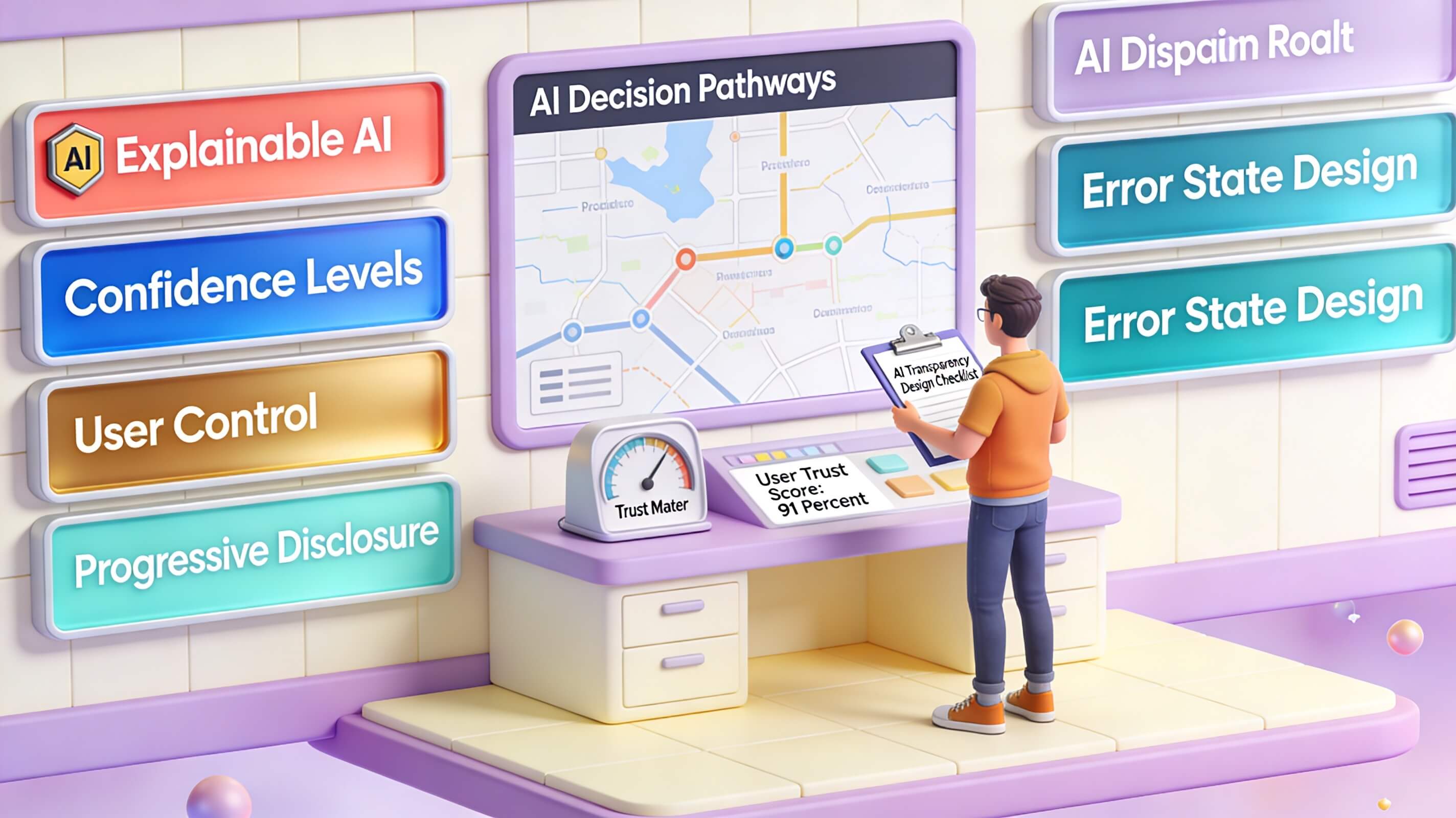
Users need to understand why an AI made a particular decision. If a loan application is rejected, the system should explain the factors involved—not just a cryptic “no.” A study by IBM Research found that transparency increases trust by 35%, even when the AI makes mistakes. Designers should surface explanations in natural language and allow users to drill down into reasoning. For instance, a health diagnostic AI might show which symptoms led to a prediction and how confident the system is. Tools like LIME and SHAP can help generate local explanations that users can digest.
Error Handling and Graceful Failure
No AI is perfect. When errors occur, the AI UX must handle them gracefully. Instead of a generic “something went wrong,” provide actionable guidance. For example, if a voice assistant misinterprets a command, it should clarify by asking “Did you mean X or Y?” This approach, recommended by Interaction Design Foundation, reduces frustration and keeps users engaged. Amazon’s Alexa, for instance, offers “Did you mean?” prompts that significantly reduce repeat attempts.
Progressive Disclosure
AI systems are powerful, but overwhelming users with capabilities upfront is a mistake. Progressive disclosure means revealing features gradually based on user sophistication. A first-time user might see simple controls—”Play my favorite playlist”—while an advanced user can configure custom rules. This approach was pioneered by Spotify’s recommendation engine, which starts with broad genres and eventually learns micro-preferences.
User Control and Feedback Loops
Users must feel in control, not at the mercy of an algorithm. Provide mechanisms to override AI suggestions, correct mistakes, and provide feedback. Netflix’s thumbs-up/thumbs-down system is a textbook example—it allows users to explicitly train the recommendation engine. Without such loops, the artificial intelligence user experience becomes a one-way street that frustrates users.
The Role of Personalization in AI User Experience
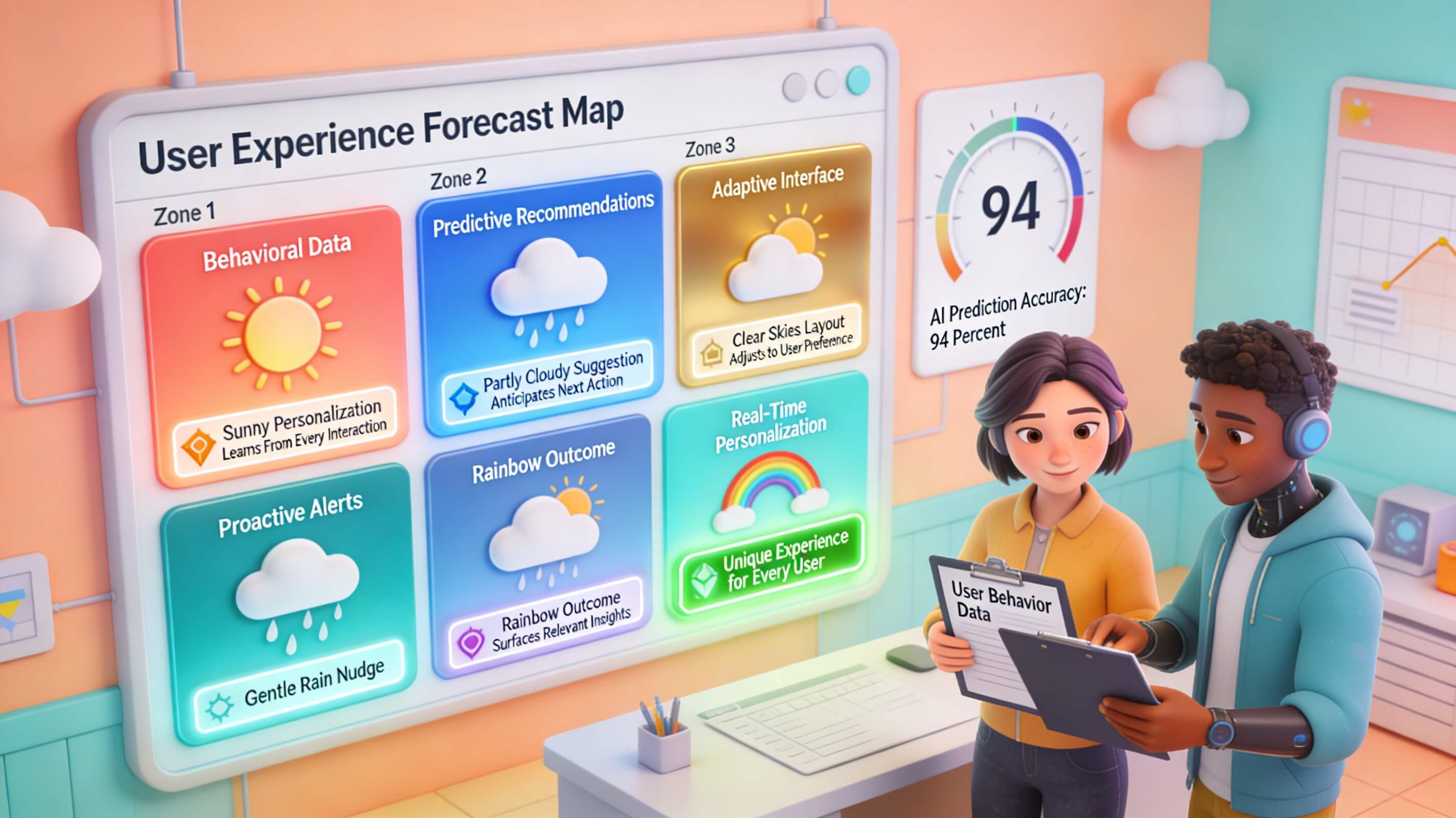
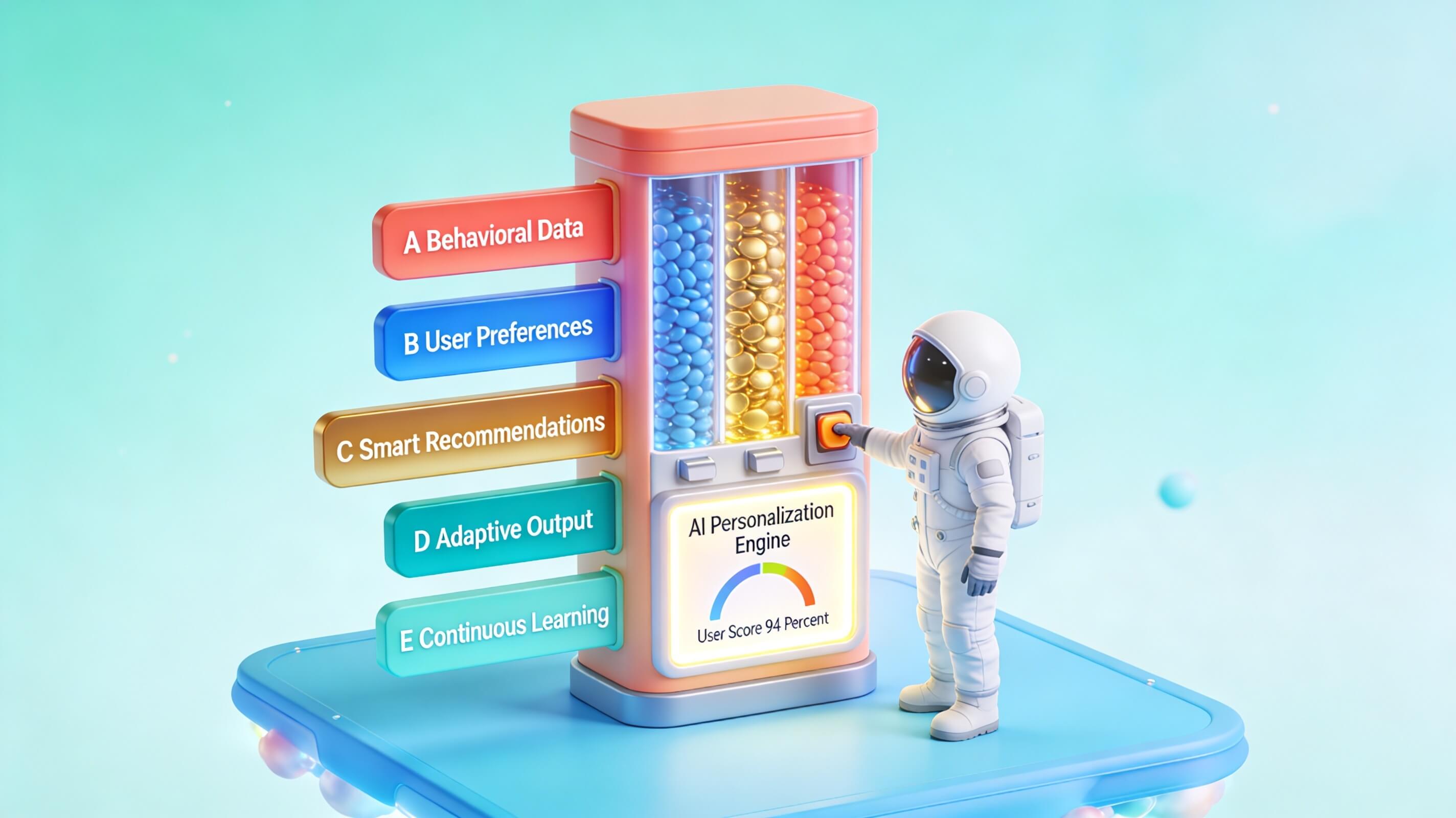
Personalization is the most visible benefit of AI user experience. By analyzing behavioral data, AI systems can tailor content, recommendations, and workflows to individual users. This shifts the experience from generic to bespoke, dramatically improving engagement.
Take Stitch Fix, the online styling service. Their AI analyzes purchase history, style surveys, and even return reasons to curate clothing boxes. Stitch Fix reports that personalized selections achieve a 40% higher retention rate compared to random assortments. The secret lies in combining collaborative filtering with human stylists, creating a hybrid model that feels both intelligent and personal.
Another powerful example is Duolingo, which uses AI to adapt lesson difficulty and repetition intervals based on user performance. Duolingo’s engineering blog details how nuanced personalization—adjusting for forgetting curves and error patterns—has improved learning outcomes by 30%. This is AI UX at its best: invisible intervention that makes the user more successful.
However, personalization has limits. When AI gets hyper-specific, it can create filter bubbles or feel creepy. Walmart’s AI-powered shopping lists, for example, occasionally recommend baby products to non-parents based on browsing history—a misstep that damages trust. Striking the balance between helpful and invasive requires transparent data usage policies and frequent opt-in reminders.
Personalization strategies should also account for context. A user searching for a gift for someone else shouldn’t receive recommendations based on their own previous purchases. Google’s AI now detects “gift mode” and switches to anonymous suggestions—a nuance that improves artificial intelligence user experience significantly.
Designing Intuitive Interfaces for AI Systems
Interface design for AI must bridge the gap between powerful backend algorithms and human cognitive limits. Users shouldn’t need to understand machine learning to benefit from it. The interface should abstract complexity while still offering control.
A key tactic is anticipatory design. Instead of waiting for user commands, the AI predicts what the user wants and presents options preemptively. Google Maps, for example, suggests departure times based on calendar events and current traffic. This reduces cognitive load and makes the AI user experience feel proactive.
Another technique is modal feedback. When an AI is processing—for instance, generating an image or analyzing a document—show a progress indicator with an estimated time. Users tolerate waiting more when they understand what’s happening. The Human Factors International guidelines recommend that AI interfaces provide real-time status updates to maintain trust.
Data visualization also plays a role. Complex outputs—like recommendation explainability or anomaly detection results—should be presented in charts or dashboards rather than raw numbers. Tableau’s natural language query feature, “Ask Data,” allows users to type questions and receive visual answers. This lowers the barrier to AI use for non-technical stakeholders.
Finally, onboarding is critical. The first interaction with an AI system sets expectations. Use tooltips, walkthroughs, and sample interactions to demonstrate value quickly. Chatbots that start with “Try asking me about… ” reduce abandonment by showing what the AI can handle.
Enhancing Conversational AI Experiences
Conversational AI—chatbots, voice assistants, and copilots—represents one of the most direct AI user experience touchpoints. Yet early versions were plagued by rigid scripts and frustrating miscommunications. Modern conversational AI uses large language models (LLMs) and retrieval-augmented generation (RAG) to produce more fluid, context-aware interactions.
The key to success lies in dialog management. Users don’t always express requests perfectly. A good conversational AI handles corrections, interruptions, and ambiguous statements gracefully. For example, if a user says “Change my flight tomorrow” after a series of calendar-related questions, the AI should recognize the topic shift and clarify rather than fail.
Bank of America’s Erica chatbot serves 28 million users and handles 100 million requests annually. According to Bank of America’s case study, Erica’s success stems from deep integration with account data and a conversational flow that anticipates common scenarios—bill payments, fraud alerts, spending insights—without requiring exact commands.
Voice interfaces add another layer complexity. Accents, background noise, and homophones all challenge accuracy. Amazon Alexa’s “Adaptive Volume” adjusts based on ambient noise, and Google Assistant offers “Cross-device conversation” that tracks context across phones and speakers. These features reduce friction and improve artificial intelligence user experience.
For text-based chatbots, fallback strategies are essential. When an AI doesn’t understand, it should admit confusion politely and offer alternatives: “I’m not sure I understand. Could you try rephrasing? You can also select from these common options.” This prevents dead ends that frustrate users.
Overcoming Bias and Ethical Considerations in AI UX
Bias in AI is not just a technical problem—it’s an AI user experience problem. When an AI system systematically disadvantages a user group, the experience degrades trust and equity. For example, early versions of Apple’s credit card algorithm offered lower credit limits to women, sparking public backlash. The AI UX failure here was not the algorithm alone but the lack of transparency and recourse.
Mitigating bias begins with data curation. Training data must represent diverse populations and contexts. IBM’s AI Fairness 360 toolkit provides open-source libraries to detect and correct bias in machine learning pipelines. Designers and product managers should demand fairness audits before deploying AI features.
Another approach is participatory design. Involve users from marginalized communities in the design process. Microsoft’s “Inclusive Design” framework includes disability and cultural perspectives early, ensuring the artificial intelligence user experience doesn’t inadvertently exclude. For instance, voice interfaces should recognize non-standard English dialects equally well.
Ethical considerations extend to privacy. AI systems that collect user data must be transparent about what is stored and how it’s used. GDPR and CCPA compliance are just starting points. Beyond legal requirements, UX should offer clear data deletion options and explain benefits of data sharing in plain language. Users who understand trade-offs are more likely to consent and remain engaged.
Finally, red teaming—deliberate attempts to break or trick the AI—should be part of the pre-release testing. Identifying vulnerabilities before launch prevents harmful outputs that could damage both user trust and brand reputation.
| Bias Type | Example | Mitigation Strategy |
|---|---|---|
| Data Bias | Training on predominantly male resumes | Augment with diverse datasets |
| Algorithmic Bias | Higher error rates for certain accents | Fairness metrics in evaluation |
| Interaction Bias | Assumptions about user gender | Avoid default stereotypes |
| Deployment Bias | Uneven performance across regions | Controlled rollouts with monitoring |
Designing Trustworthy AI Systems
Trust is the currency of AI user experience. Without it, users disengage or actively circumvent AI features. Building trust requires consistency, reliability, and transparency over time.
One framework is the Trustworthiness Model developed by the Berkman Klein Center at Harvard. It identifies five pillars: reliability, safety, fairness, accountability, and transparency. Each pillar has UX implications. For reliability, ensure the AI performs consistently across sessions. For safety, include guardrails against harmful recommendations. For accountability, log decisions so users can appeal or challenge outcomes.
A practical example is Google’s “About This Result” feature, which explains why a particular search result appears. This small addition increased user satisfaction by 12% in tests, according to Google’s research. Users felt more in control and less suspicious of manipulation.
Another trust-building tactic is progressive commitment. Don’t ask for sensitive permissions upfront. Start with low-risk interactions—”Can I recommend a playlist?”—and escalate only after trust is earned. This principle applies to data access: ask for location when it’s needed, not during onboarding.
Finally, human-in-the-loop design remains essential. For high-stakes decisions—medical diagnoses, financial approvals, legal advice—AI should flag uncertainty and route to a human expert. This hybrid approach combines AI speed with human judgment, reinforcing trust in the overall artificial intelligence user experience.
Measuring and Optimizing AI User Satisfaction
You cannot improve what you don’t measure. For AI user experience, traditional UX metrics like task completion rate and time-on-task are still relevant, but additional dimensions matter: perceived intelligence, trust, and satisfaction with personalization.
Surveys and Feedback Forms should be triggered contextually. Instead of a global popup, ask for feedback after a specific AI interaction—for example, “Was this recommendation helpful?” on a product page. This generates granular data tied to particular features. Net Promoter Score (NPS) adapted for AI—asking “How likely are you to trust this AI’s suggestions?”—can provide a high-level health indicator.
Usability Testing for AI should include “Wizard of Oz” studies where a human simulates the AI’s behavior to test interactions before the algorithm is fully built. This reveals interface flaws early. Eye-tracking can show where users look for explanations, indicating whether transparency features are effective.
Analytics and Metrics such as conversation abandonment rate, correction frequency (how often users rephrase or override AI suggestions), and personalization acceptance rate (how often users accept recommended content) are leading indicators. A high correction frequency suggests the AI is not aligned with user expectations—a sign to revisit the model or interface.
Netflix, for example, reports that the “thumbs down” feedback directly influences their model retraining. By closing the loop between feedback and model updates, they continuously refine the AI UX to match evolving tastes. The key is to make measurement part of the product cycle, not a one-time exercise.
The Future of AI User Experience
Artificial intelligence user experience is evolving rapidly, with several trends shaping the next generation of interactions.
Multimodal Interactions
Users will interact with AI through voice, touch, gesture, and even eye gaze simultaneously. Apple’s Vision Pro and Meta’s smart glasses hint at a future where AI UX is spatial and context-aware. Designers must think beyond screens to environments.
Emotion-Aware AI
Advancements in affect sensing enable AI to detect frustration, confusion, or delight through voice tone or facial expression. An empathetic AI might simplify tasks when it senses stress. While controversial from a privacy standpoint, early experiments show a 20% improvement in user satisfaction.
Federated Personalization
Privacy regulations push personalization to the edge—processing data on-device rather than in the cloud. Apple’s on-device machine learning provides personalized suggestions without sending data externally. This preserves privacy while maintaining AI user experience quality.
Generative AI as Interface
LLMs enable a new paradigm: users can “prompt” their way through tasks instead of clicking through menus. Adobe’s Firefly and GitHub Copilot demonstrate this shift. The challenge for artificial intelligence user experience is to guide users who are unfamiliar with prompt engineering, offering templates and suggestions.
Real-World Examples of Successful AI UX Implementation
Beyond the companies already discussed, several others exemplify best-in-class AI user experience.
Spotify remains a gold standard. Their “Discover Weekly” playlist uses collaborative filtering along with listening history to deliver a personalized set of songs every Monday. Users overwhelmingly trust this feature—engagement rates are 40% higher than manually curated playlists. The UX is minimal: the playlist appears automatically, with no setup required. Spotify’s approach emphasizes serendipity balanced with familiarity.
Grammarly offers another example. Their AI writing assistant provides real-time suggestions with a clear explanation for each recommendation (“This word may be too informal for your audience”). This transparency builds trust, and the opt-in style—hovering suggestions rather than auto-correct—gives users control. Grammarly reports that 90% of users find the tool improves their writing confidence, illustrating the power of a thoughtful AI UX.
Robinhood uses AI to detect patterns that might indicate market manipulation or suspicious activity. For users, the experience is invisible—the AI works in the background to protect accounts. Only when a flag occurs does the interface present a clear explanation and action steps. This frictionless security enhances trust without cluttering the main interface.
These case studies underscore a common theme: successful artificial intelligence user experience is unobtrusive, transparent, and aligned with user goals. The best AI is the AI you almost forget is there.
Conclusion
AI user experience is not merely a subfield of design—it is the bridge between powerful algorithms and human needs. Throughout this article, we have explored the principles that make artificial intelligence user experience effective: transparency, personalization, intuitive interfaces, conversational fluency, ethical grounding, and trustworthiness. The data is clear—companies that invest in AI UX see stronger engagement, higher retention, and better business outcomes.
Yet the landscape is still maturing. Many organizations rush to deploy AI features without considering how users will perceive, trust, or interact with the technology. This leads to wasted investment and frustrated customers. The antidote is a disciplined, user-centered approach—testing early, measuring continuously, and iterating on feedback. The future of AI user experience will be shaped by multimodal interactions, emotional intelligence, and on-device privacy. But the core will remain unchanged: put the user first.
For digital marketers, product leaders, and UX professionals, the call to action is clear. Audit your current AI-driven features against the principles outlined here. Are they transparent? Do they personalize without being intrusive? Can users correct mistakes? If not, prioritize those improvements. The difference between an AI that delights and one that frustrates often comes down to design choices made early in the process.
We invite you to take the next step—evaluate your own AI user experience today and begin the journey toward more intelligent, more human interactions. The technology is ready. Are your users?

Comments are closed.