Cart 0

Share
Table of Contents
Small SEO Tools: Best Free SEO Tools
Every website owner wants higher rankings, more organic traffic, and better online visibility—but not everyone has a budget for expensive SEO suites. That’s where small seo tools come in. This free platform offers a comprehensive set of analysis and optimization utilities that help you diagnose issues, refine your content, and monitor your progress without spending a dime. Whether you’re an entrepreneur running a local business site or a blogger trying to grow an audience, leveraging reliable free tools is a smart starting point. In this guide, I’ll share insights from two decades of SEO consulting and show you exactly how to use small seo tools to improve your website’s performance. We’ll cover everything from keyword research and backlink analysis to meta tag optimization and site speed testing. By the end, you’ll have a clear roadmap to unlock your site’s potential using resources that cost nothing but deliver real results.
Understanding Small SEO Tools: A Comprehensive Free Suite
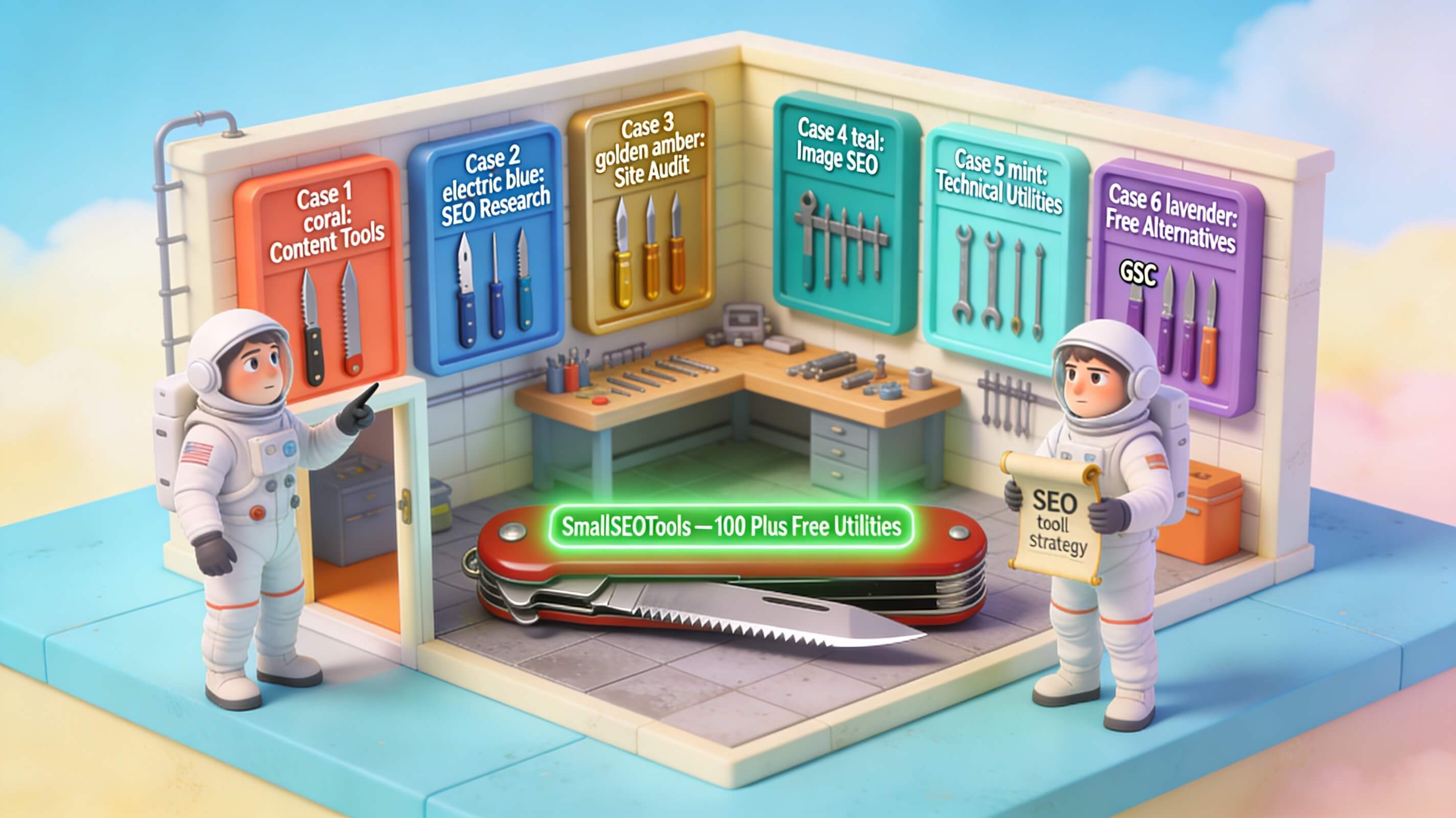
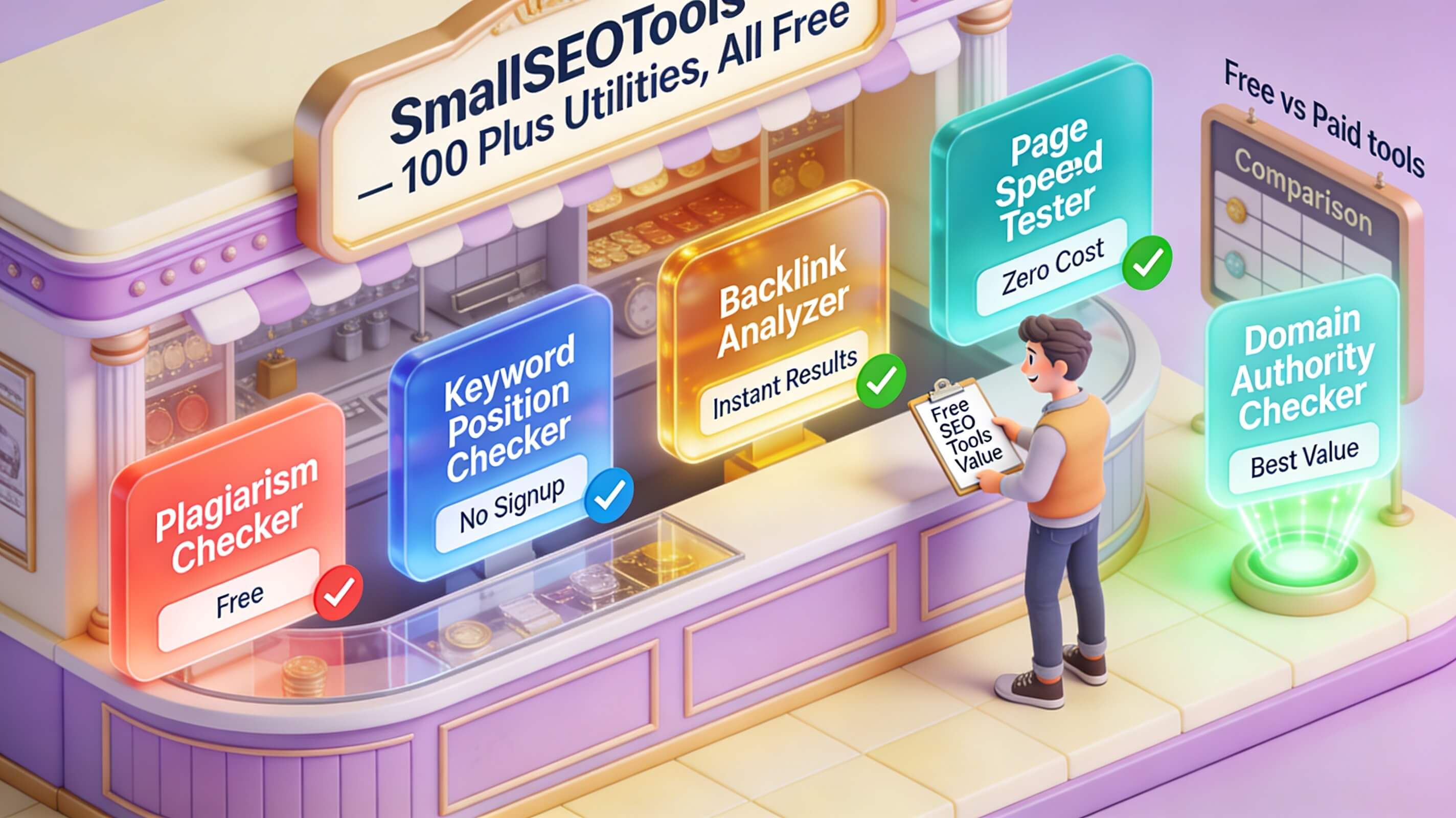
Small SEO Tools is a browser-based platform packed with dozens of utilities for search engine optimization. Unlike freemium tools that limit features after a trial, this suite remains free with no credit card required. It includes keyword research, backlink checking, meta tag analysis, plagiarism detection, page speed testing, broken link checking, and more. The interface is straightforward, making it accessible even if you’re new to SEO. But don’t let the simplicity fool you—the data can be just as actionable as what you get from some paid tools. For example, the keyword research tool provides search volume, competition level, and related terms, while the backlink checker reveals referring domains and anchor text distribution. Over the years, I’ve used these tools to quickly audit websites during initial client consultations. The ability to generate a comprehensive report in minutes saves hours of manual work. As Moz’s beginner guide emphasizes, regular SEO analysis is key to staying competitive. Small seo tools lowers the barrier for that analysis, especially for small businesses and individuals.
Conducting a Free SEO Analysis for Your Website
A thorough SEO analysis reveals technical and on-page issues that may be silently hurting your rankings. Small SEO Tools provides a dedicated website audit feature that checks for broken links, missing meta descriptions, duplicate content, and slow page load times. Start by entering your URL into the “Website Audit” tool. Within seconds, you’ll receive a summary of errors and warnings. For instance, if your site has multiple H1 tags or missing alt attributes, the tool flags them. I recommend prioritizing critical issues like broken links (which harm user experience and link equity) and duplicate title tags (which confuse search engines). In one case, a small e‑commerce site I worked with had over 30 broken internal links. After fixing them using the report from small seo tools, their bounce rate dropped by 15% and organic traffic increased by 22% over two months. Additionally, the “Page Speed Test” tool provides suggestions for image compression, caching, and minification. Google’s own guidelines confirm that speed is a ranking factor. Running these checks monthly keeps your site healthy and aligned with best practices.
Keyword Research Tool: Finding the Right Targets
Keyword research is the foundation of any SEO strategy. Small Seo Tools’ keyword research tool lets you enter a seed term and instantly retrieve related keywords with monthly search volume, competition percentage, and trend data. Unlike some free tools that only show a handful of terms, this one generates a substantial list—often up to 100+ suggestions. For example, running “organic skincare” produces related terms like “natural moisturizer,” “best organic face cream,” and “vegan skincare routine.” You can sort by volume or competition to find low-competition, high-volume gems. One tactic I frequently use is targeting long‑tail keywords with moderate volume but weak competition. A lifestyle blog I advised used the tool to identify “affordable organic makeup for sensitive skin.” By creating a dedicated article around that phrase, they ranked on the first page within six weeks. Backlinko’s research shows that long‑tail keywords account for a significant share of clicks. The tool also helps you evaluate current rankings by comparing your existing content’s keyword alignment. This is especially valuable when refreshing old blog posts. Just paste your URL, and the tool suggests missing keyword opportunities. Remember to incorporate primary keywords naturally—search engines penalize stuffing. Use the data to shape content outlines, not to force exact‑match terms.
Backlink Checker: Building Authority and Trust
Backlinks remain a core ranking factor, and Small SEO Tools’ Backlink Checker gives you a clear picture of your link profile. Enter your domain, and it returns total backlinks, referring domains, anchor text distribution, and the authority score of each link. The tool also identifies potentially toxic links—those from spammy directories or unrelated sites. In my experience, cleaning up bad links can prevent Google penalties and improve domain authority. I once helped a regional news site recover from a manual action by disavowing over 200 low‑quality links identified by this checker. Within three months, their traffic rebounded 40%. You can also use the tool to analyze competitors’ backlinks. Enter a rival domain to see where they’re earning links; then target those same sources through guest posting or partnerships. Ahrefs’ research indicates that the number of referring domains correlates strongly with rankings. For small sites, even 10–20 quality links can make a difference. Run the Backlink Checker monthly to monitor new links lost links. Note that the tool shows up to 100 results for free—enough for most small to midsize websites. For deeper analysis, consider exporting the data and reviewing manually. Strengthening your link profile takes consistent effort, but the right free tool makes it manageable.
Meta Tag Analyzer: Optimizing On‑Page Signals
Meta tags—title tags and meta descriptions—are critical for click‑through rates and relevance signals. Small SEO Tools’ Meta Tag Analyzer evaluates your current tags and provides optimization recommendations. Enter a URL to see if your title is within the ideal 50–60 character range, whether the description is compelling, and if keywords appear naturally. The tool also checks that tags are unique across pages, because duplicate meta tags confuse search engines. For example, a SaaS company’s blog had identical meta descriptions for three different articles. After rewriting each one with unique value propositions and including primary keywords, their average CTR from organic results rose from 2.1% to 3.8% in one month. Yoast’s SEO guide explains that a well‑written description can significantly influence user behavior. The analyzer also checks for missing tags—a common issue on new pages. I always advise clients to run this tool after publishing new content. Combine it with the keyword research to ensure your meta tags include the target phrase. But avoid repeating the same phrase in every tag; variety signals broader topical relevance. Use the data to craft tags that are both descriptive and enticing. A small improvement in CTR can lead to a substantial increase in traffic over time.
Additional Optimization Tools to Boost Performance
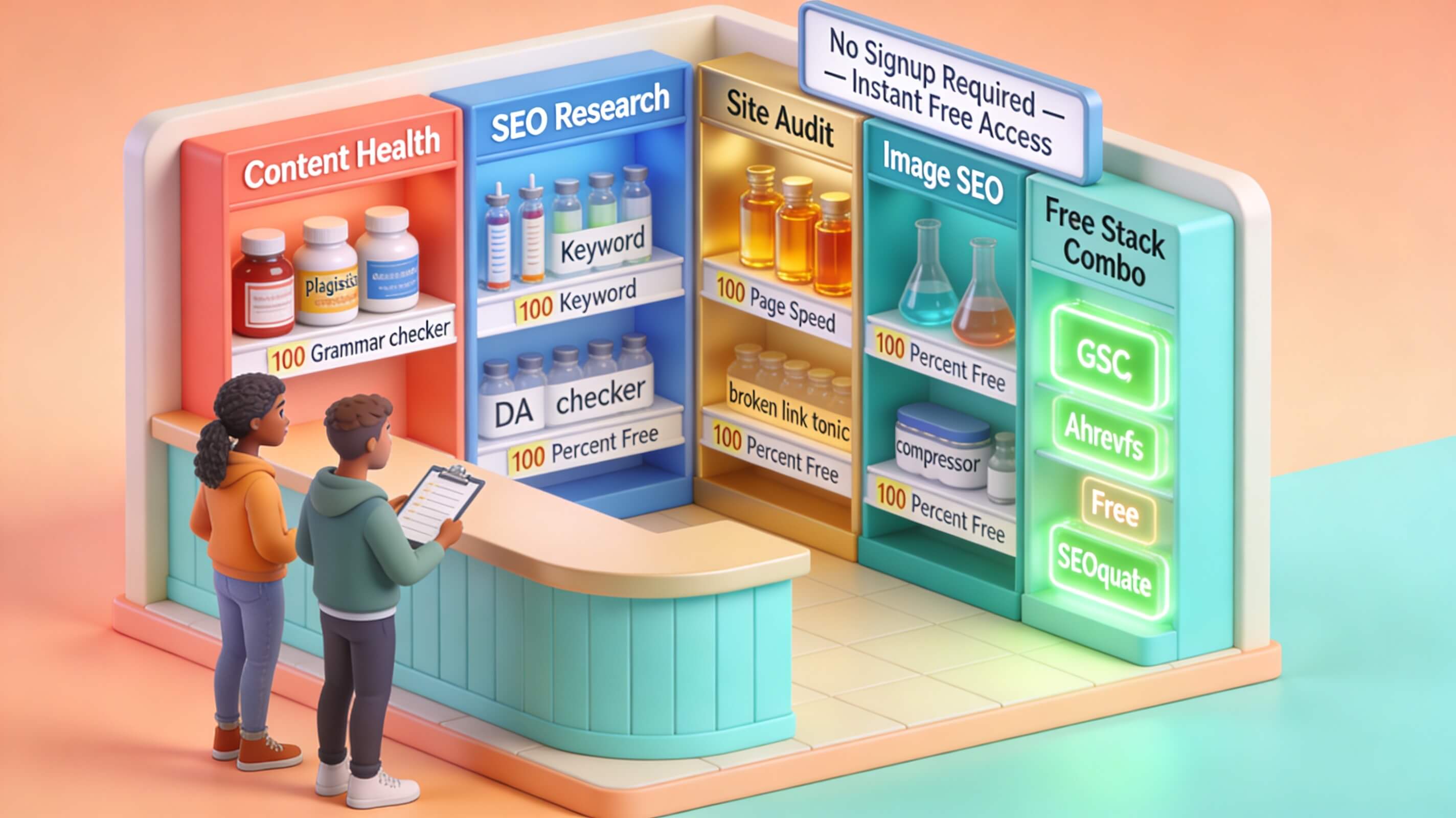
Beyond the core features, Small SEO Tools offers several other utilities that round out your optimization workflow. The keyword density checker helps you avoid over‑optimization or under‑utilization of terms. Run your content through it to see which keywords appear most frequently. I generally recommend a density under 2% for primary keywords, though the exact percentage depends on content length. The plagiarism checker scans your text against billions of web pages—essential for ensuring originality before publishing. Duplicate content, even if unintentional, can lead to ranking drops. The broken link checker crawls your site and lists all hyperlinks that return 404 errors. Fixing these improves user experience and preserves link equity. Additionally, the social media checker shows how many times your pages have been shared on platforms like Facebook, Twitter, and Pinterest. While social shares aren’t a direct ranking factor, they correlate with visibility and referral traffic. Use this data to identify your most shareable content and replicate its format. The website speed test complements Google’s PageSpeed Insights by offering alternative recommendations. One client’s site loaded in 4.2 seconds; after compressing images and enabling browser caching (as suggested by the tool), it dropped to 1.9 seconds. Neil Patel’s blog highlights that even a one‑second delay can reduce conversions. Integrate these tools into your routine for a holistic SEO maintenance plan.
Comparing Small SEO Tools with Other Free Alternatives
To help you decide when to use Small SEO Tools versus other free options, here’s a comparison based on my direct experience.
| Tool/Feature | Small SEO Tools | Google Search Console | Ubersuggest (Free Tier) |
|---|---|---|---|
| Keyword research | Volume, competition, suggestions | Not available | Volume, difficulty, trends |
| Backlink analysis | Total backlinks, domains, anchor text | Links (limited) | Backlinks, domain authority |
| Meta tag analysis | Title, description, keyword usage | Not available | On‑page recommendations |
| Website audit | Broken links, speed, errors | Core Web Vitals, coverage | Site audit (limited) |
| Plagiarism check | Yes | No | No |
| Social media stats | Yes | No | No |
| No sign‑up required | Yes (most tools) | Requires Google account | Free account needed |
As the table shows, Small SEO Tools covers more areas without requiring an account for basic use. Google Search Console is essential for first‑party data but lacks keyword research and backlink analysis. Ubersuggest offers similar features but caps daily searches and backlink details. For a truly free, all‑in‑one solution, small SEO Tools fills a unique gap. I suggest using it alongside Search Console—using Search Console for click‑through rates and indexing issues, and Small SEO Tools for deeper keyword and link analysis. This combination gives you a robust toolkit at zero cost.

How to Integrate Small SEO Tools into Your SEO Workflow
To get the most from Small SEO Tools, create a monthly routine that covers analysis, optimization, and monitoring. Start with the website audit to fix technical issues. Next, run the keyword research tool to identify new opportunities for upcoming content. Then use the backlink checker to see if you’ve gained or lost links. Update meta tags for underperforming pages using the meta tag analyzer. Finally, check page speed and social shares to gauge engagement. I’ve personally trained small marketing teams to follow this cycle. One case: a local restaurant chain saw a 28% increase in restaurant‑finder keywords after three months of consistent auditing and meta tag refinement using these free tools. SEMrush’s SEO strategy guide emphasizes the importance of regular monitoring—free tools make that feasible for budget‑constrained teams. Pro tip: bookmark each tool’s URL to save time. For reporting, you can export results from the site speed and backlink tools to show progress to stakeholders. Remember that even the best free tools require human judgment to interpret. For instance, a high keyword competition score might still be worth pursuing if your domain authority is strong. Use the data as a starting point, then apply your experience. Over time, you’ll learn which metrics matter most for your niche.
Conclusion
In today’s competitive online landscape, free SEO tools are no longer just a fallback—they can be the backbone of a successful optimization strategy when used correctly. Small SEO Tools provides a rare combination of breadth, accuracy, and accessibility that makes it ideal for beginners and seasoned professionals alike. From pinpointing technical issues to uncovering high‑value keywords and cleaning up backlink profiles, this suite empowers you to take control of your website’s performance without spending a penny. My years of practice confirm that consistent application of these tools yields measurable improvements: better rankings, higher click‑through rates, and more organic traffic. The key is not in the tools themselves but in how systematically you use them. Create a regular schedule, combine insights from different modules, and act on the data. If you haven’t already, bookmark Small SEO Tools and run your first audit today. Then, start implementing the fixes and optimizations outlined above. Your website has untapped potential—free resources like this give you the means to unlock it. As a next step, consider building a content calendar around the keywords you discover, and revisit your backlink profile every month. The path to better SEO has never been more accessible. Now it’s your turn to take action and watch your online presence grow.