Cart 0

Share
For years, Google has made its position unequivocal: a fast, stable, and user-friendly website is a fundamental component of modern SEO, not a luxury. This is precisely why mastering your Core Web Vitals page experience has transitioned from a technical concern to a practical business priority for developers, site owners, and marketers. While high-quality, relevant content remains the primary driver of search visibility, poor performance metrics can severely undermine its potential. When users encounter slow loading, janky interactions, or content that shifts unexpectedly, engagement plummets, bounce rates rise, and your page’s ability to compete effectively diminishes. Google’s own guidance clarifies that page experience becomes a critical tie-breaker in competitive SERPs where multiple pages offer similar relevance. In these scenarios, superior technical quality provides the decisive edge.
The encouraging reality is that improving these metrics is less about chasing obscure hacks and more about systematically correcting common, well-understood performance mistakes. The usual suspects—unoptimized images, render-blocking resources, bloated JavaScript, unstable third-party elements, and inadequate hosting—are often to blame. A strategic approach to Core Web Vitals page experience focuses on measurable improvements that users feel immediately: pages load snappily, remain visually stable, and respond to clicks without delay. The downstream benefits are clear: reduced bounce rates, improved conversion rates, and more defensible search rankings. This guide provides a comprehensive, actionable roadmap to diagnose issues, implement high-impact fixes, and build a sustainable workflow for long-term success.
Table of Contents
The SEO Imperative: Why Core Web Vitals Page Experience Is Non-Negotiable
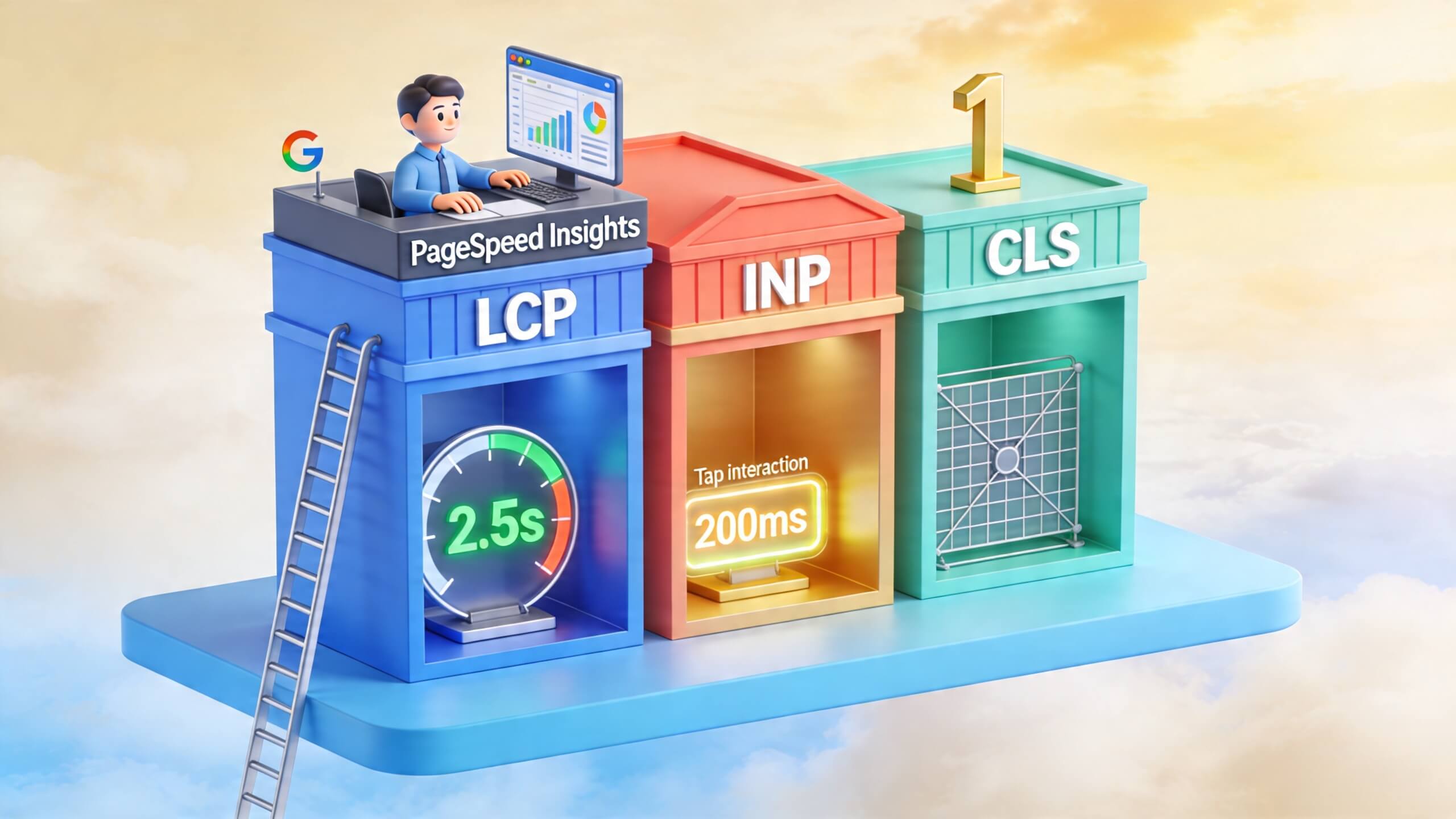
Understanding the “why” is crucial for securing stakeholder buy-in and prioritizing resources. Core Web Vitals page experience is built on three user-centric metrics that Google uses within its broader page experience ranking framework, which also includes mobile-friendliness, HTTPS security, and safe browsing. These three signals—Largest Contentful Paint (LCP), Interaction to Next Paint (INP), and Cumulative Layout Shift (CLS)—quantify the pillars of user perception: loading performance, interactivity, and visual stability.
The critical distinction lies between lab data and field data. Tools like Lighthouse simulate performance in a controlled environment, but Google’s ranking systems heavily rely on Chrome User Experience Report (CrUX) data, which reflects the real-world experiences of actual users across diverse devices and network conditions. A page can test well in a lab yet fail in the field, where slower phones and spotty connections expose performance flaws. This matters because rankings are influenced by a multitude of factors, but a superior page experience can be the differentiating factor when content quality is comparable.
Beyond SEO, the business case is compelling. Research consistently shows a direct correlation between performance and key performance indicators. A study by the Google Marketing Platform found that as page load time goes from 1 second to 3 seconds, the probability of a bounce increases by 32%. For e-commerce, every 100-millisecond delay in load time can hurt conversion rates by up to 7%. Therefore, optimizing for Core Web Vitals is not merely a technical compliance task; it is a direct lever for improving user retention, session depth, and ultimately, revenue.
Diagnostic Foundations: Measuring Before You Fix
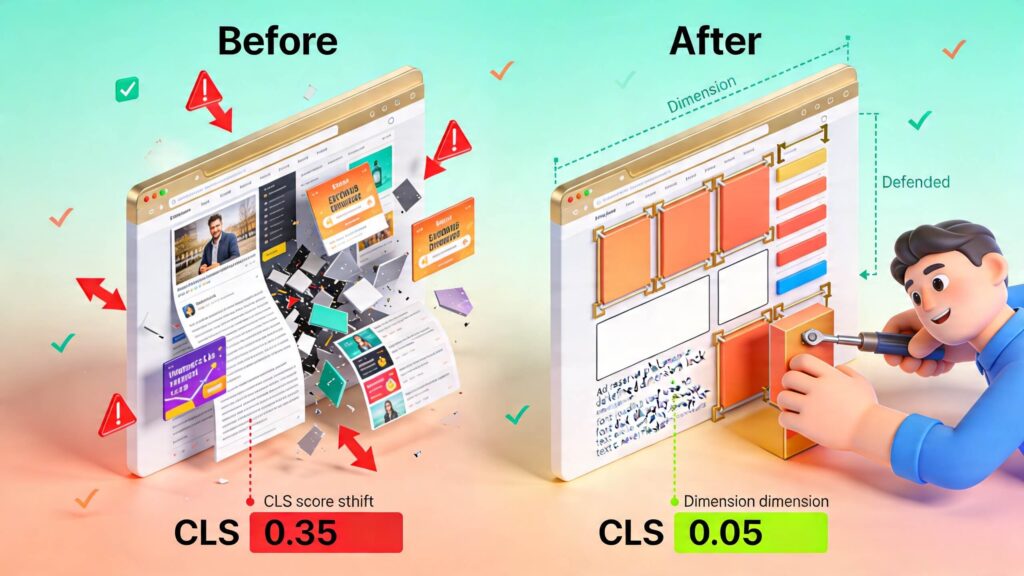
Launching into optimizations without proper diagnostics is a recipe for wasted effort. A methodical audit begins with identifying *where* and *why* your site is underperforming. Start with Google Search Console’s Core Web Vitals report, which provides field data highlighting specific page templates (grouped URLs) that are failing. This is your priority list.
Next, use lab tools like Lighthouse in Chrome DevTools to dive deep into those problematic pages. Lab tools are excellent for isolating root causes—they can pinpoint oversized images, long JavaScript tasks, or unstable elements. The key is to correlate field data trends with lab diagnostics. For instance, if all blog posts are flagged for poor LCP, the issue likely lies in a common template element like the featured image. If product pages struggle with INP, a shared script from a reviews widget or product variant selector is a probable culprit.
A sophisticated audit also segments performance by device and separates first-party issues from third-party ones. Third-party scripts for analytics, ads, live chat, and social media are notoriously heavy and unpredictable. Establish a performance baseline before making changes and re-test after each modification. Without this discipline, you might celebrate a code optimization only to have a newly added marketing tag erase all gains the following week.
Essential Tools for Your Audit
Beyond Search Console and Lighthouse, integrate these tools into your diagnostic workflow:
- PageSpeed Insights: Provides both lab and field data for a given URL, offering a balanced view.
- WebPageTest: Allows for advanced testing from specific locations on real devices, offering granular waterfall charts and video captures of page loading.
- Chrome DevTools Performance Panel: The go-to tool for recording and analyzing runtime performance, identifying long tasks that block the main thread and cause poor INP.
Mastering Largest Contentful Paint (LCP): Speed to Meaningful Content
LCP measures the time it takes for the largest visible content element (typically a hero image, video poster, or major heading block) to render within the viewport. Google’s threshold for a “good” experience is under 2.5 seconds. Achieving this requires a focus on resource prioritization and server efficiency.
The journey to a fast LCP begins at the server. A slow Time to First Byte (TTFB) delays every subsequent step. Optimize server response by investing in quality hosting with adequate resources, implementing robust page caching (especially for dynamic platforms like WordPress), and leveraging a global Content Delivery Network (CDN) to serve assets from locations closer to your users. For complex applications, consider advanced strategies like edge-side rendering to generate HTML closer to the user.
Above-the-fold media is often the LCP element and demands special attention. Hero images must be compressed, served in next-gen formats like WebP or AVIF, and sized correctly for the user’s device (using responsive images with `srcset`). Never serve a 3000px wide image to a mobile phone. For the definitive LCP element, consider using a `preload` hint for the image or font file, but do so judiciously—preloading the wrong resource can hurt performance.
Finally, eliminate render-blocking resources. CSS and JavaScript required for the initial render (critical CSS) should be inlined or loaded with high priority. Non-essential scripts should be deferred with `defer` or `async` attributes, and non-critical CSS can be loaded asynchronously. Many themes and page builders load monolithic style sheets site-wide; pruning unused CSS can yield immediate LCP improvements.
Conquering Interaction to Next Paint (INP): The Responsiveness Benchmark
Replacing First Input Delay, INP is a more robust metric that measures a page’s overall responsiveness by observing latency across all user interactions (clicks, taps, key presses) throughout a session. A good INP is under 200 milliseconds. Poor INP occurs when the browser’s main thread is blocked by excessive JavaScript execution, leaving user input stuck in a queue.
The primary culprit is almost always JavaScript bloat. This is endemic on CMS-driven sites where themes and plugins pile on features, animation libraries, and redundant scripts. To fix INP, you must become ruthless with JavaScript. Conduct a plugin audit: remove any that add front-end scripts without clear business value. Replace heavy JavaScript-driven components (like mega-menus or complex sliders) with lighter, CSS-based alternatives where possible.
Technical strategies for JavaScript optimization are critical:
- Code Splitting & Lazy Loading: Break your JavaScript bundles into smaller chunks and only load what’s necessary for the initial page view. Load non-essential code (for modals, tabs far down the page) only when needed.
- Defer Non-Critical Scripts: Use the `defer` attribute for scripts not needed for initial render, or load them after a user interaction (e.g., on scroll or hover).
- Web Workers: For complex calculations, offload work to a Web Worker to keep the main thread free.
- Third-Party Script Management: Aggressively audit tags. Replace bulky, always-on live chat widgets with click-to-load versions. Delay social media embeds and analytics until after user interaction.
Eliminating Cumulative Layout Shift (CLS): The Stability Guarantee
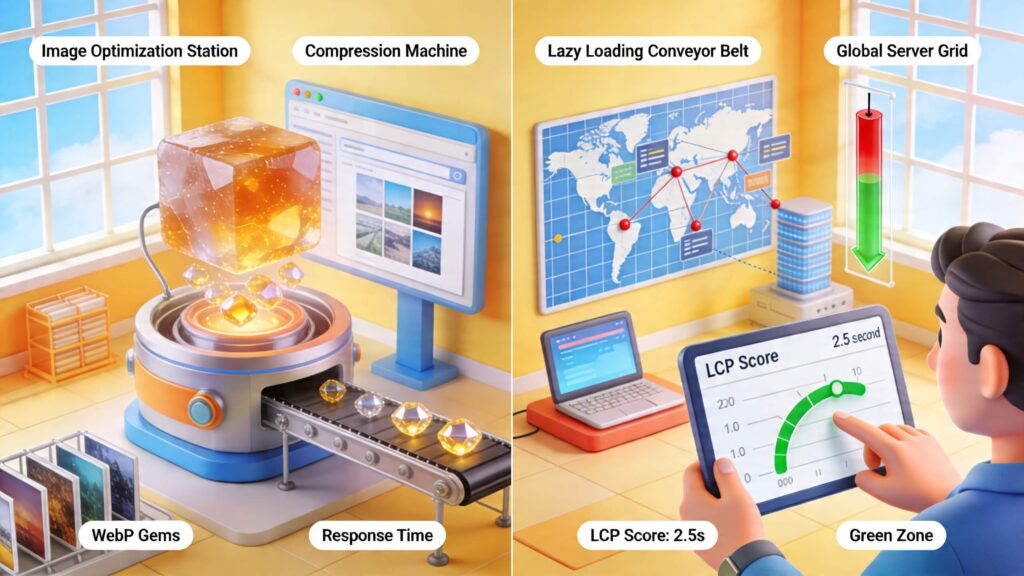
CLS quantifies the jarring experience of content unexpectedly moving as a page loads. Buttons shift under your cursor, text jumps as an image loads—it erodes trust and usability. A “good” CLS score is under 0.1. Stability is achieved through proactive space reservation and predictable resource loading.
The cardinal rule for CLS is to always define `width` and `height` attributes (or through CSS aspect-ratio) for images, videos, ads, and iframes. This instructs the browser to reserve the correct space in the layout before the asset loads. In responsive design, use the CSS `aspect-ratio` property in conjunction with `width` and `height`.
Dynamically injected content is a major offender. Cookie consent banners, newsletter signup modals, and sticky headers that load in after the initial paint can push everything down. The solution is to either design these elements as overlays that don’t affect layout flow or to reserve static space for them in the initial HTML. Fonts also cause shifts when a web font loads and replaces a system fallback font with different metrics. Use `font-display: optional` or `swap` carefully and ensure your fallback font stack has similar dimensions.
For media-heavy sites like e-commerce, reserve space for dynamic content such as product badges, promotional banners, or “low stock” indicators that may be fetched asynchronously. A stable layout is a professional layout; it reduces user frustration and directly supports higher conversion rates by preventing accidental misclicks.
High-Impact Media Optimization Strategies
Image and video optimization remains one of the highest-ROI activities for improving Core Web Vitals page experience. The goal is to serve the smallest possible file that still looks great on the user’s device.
Implement a modern image workflow: Automate compression during upload, generate multiple responsive image sizes, and serve next-gen formats (WebP, AVIF) using the `
Video requires extreme caution. Autoplaying background videos are performance killers. Instead, use a static poster image. For embedded videos (YouTube, Vimeo), consider a lightweight preview image that, when clicked, loads the full player. This technique, known as lazy-loading iframes, can save megabytes of initial page weight. Always question the business value of decorative motion; removing an auto-playing hero carousel can be the single biggest performance win for a page.
| Metric | Good Threshold | Primary Culprits | Key Fixes |
|---|---|---|---|
| Largest Contentful Paint (LCP) | < 2.5 seconds | Slow server, unoptimized hero images, render-blocking CSS/JS | Improve TTFB, optimize & preload LCP image, defer non-critical JS |
| Interaction to Next Paint (INP) | < 200 milliseconds | Long JavaScript tasks, bulky third-party scripts, heavy event listeners | Code splitting, break up long tasks, defer/remove non-essential JS |
| Cumulative Layout Shift (CLS) | < 0.1 | Images/videos without dimensions, dynamically injected content, web fonts | Set width/height & aspect ratio, reserve space for ads/banners, use `font-display: optional` |
Stack Cleanup: Theme, Plugin, and Third-Party Script Governance
Many perceived “Google algorithm” problems are actually self-inflicted stack problems. A site with excellent content can be anchored by a bloated theme, redundant plugins, and a growing pile of third-party marketing tags. Each addition carries a performance tax that compounds over time.
Conduct a triage of your active plugins. For each one, ask: Is it essential for business function? Does it impact front-end performance? Is there a leaner alternative? Often, consolidating multiple plugins into a more efficient multi-purpose tool or replacing a visual page builder with a leaner, block-based theme can yield transformative gains. Form builders, pop-up systems, and social feed widgets are frequent offenders.
Third-party script management requires ongoing governance. Marketing teams often add new tools for A/B testing, analytics, retargeting, and personalization without sunsetting old ones. Use tools like Google Tag Manager for central control, but also implement a performance review process. Before adding any new script, require an assessment of its impact on page weight and main thread execution time. Establish a performance budget and hold teams accountable to it.
Mobile-First Optimization: Where the Real User Battles Are Fought
Field data failures predominantly appear on mobile due to less powerful hardware and variable network conditions. A desktop-centric optimization approach will leave you vulnerable. Testing must be done on mid-range Android devices using throttled network speeds to simulate real-world conditions.
Simplify mobile layouts aggressively. Reduce oversized headers, collapse complex navigation into a single hamburger menu, and limit or remove heavy animations. Prioritize touch-friendly, large tap targets that don’t rely on JavaScript-heavy hover states. Connection resilience is paramount: implement aggressive caching headers, ensure all text-based assets are compressed (Brotli/Gzip), and minimize the number of HTTP requests. If your Core Web Vitals page experience metrics pass on desktop but fail on mobile, the solution is almost always to reduce payload size and complexity, not to upgrade server hardware.
Strategic Prioritization: Fixing for Maximum SEO and Business Impact
With a list of potential fixes, intelligent prioritization is key. Not all issues carry equal weight. Follow this framework:
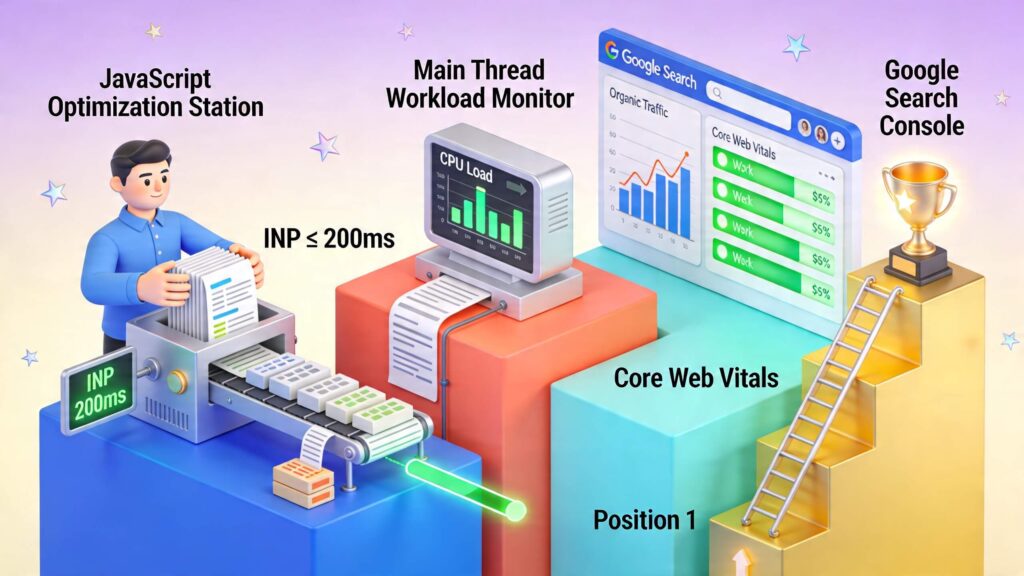
- Focus on High-Value Pages: Start with pages that drive significant organic traffic, revenue, or leads (e.g., key product pages, cornerstone content, homepage).
- Implement Template-Level Fixes: A single fix to a shared product template or blog post layout can improve hundreds or thousands of URLs at once, offering massive leverage.
- Tackle the Biggest Win First: Often, addressing a single, massive hero image or removing one egregious third-party script will yield a bigger score improvement than ten minor tweaks.
- Connect Metrics to Business Outcomes: Document your work. After improving LCP on a product category page, track changes in bounce rate and conversion rate. This data turns performance work from a technical cost center into a proven growth driver.
Building a Sustainable Core Web Vitals Workflow
Treating performance as a one-time project guarantees eventual regression. Lasting success requires embedding Core Web Vitals page experience into your organization’s DNA. Create and enforce performance budgets for page weight, JavaScript bundle size, and number of requests. Integrate Lighthouse CI into your development pipeline to test pull requests against these budgets before code is merged.
Assign clear ownership. While developers handle code-level optimizations, content teams must be trained on image optimization before upload. Marketing needs guidelines for adding third-party scripts. SEO monitors field data trends. This shared accountability, supported by clear processes, prevents performance from becoming “everyone’s problem but no one’s responsibility.”
Finally, remember the ultimate balance. A blazing-fast page with thin content will not rank. But a page with deep, authoritative content that is also technically excellent creates a formidable competitive advantage. Core Web Vitals page experience is the amplifier that allows your quality content to reach its full potential in search.
Conclusion
Optimizing for Core Web Vitals page experience is a definitive exercise in aligning technical execution with user satisfaction and business outcomes. The metrics—LCP, INP, and CLS—are not abstract benchmarks but direct reflections of what visitors experience in the critical first moments on your site. A fast, responsive, and stable page builds trust, fosters engagement, and provides Google with a clear signal of quality. In today’s competitive landscape, where content relevance is often a given, superior technical performance provides the decisive margin for ranking success.
The path forward is clear and actionable. Begin with precise diagnostics to target your efforts, then systematically address server performance, optimize critical rendering paths, ruthlessly manage JavaScript, guarantee layout stability, and govern third-party incursions. The most impactful fixes are often the most straightforward: compressing images, deferring non-essential scripts, and setting image dimensions. By building these principles into an ongoing workflow with performance budgets and cross-team accountability, you transform performance from a reactive fix into a sustainable competitive advantage.
If your site possesses strong content but is being held back by technical debt, prioritizing Core Web Vitals page experience is the most direct route to unlocking its full SEO and conversion potential. The margin for error in search is slim; don’t let a slow, unstable page be the reason you lose. Audit your site today, implement one high-impact fix this week, and begin building the fast, user-centric foundation your online presence deserves.