Cart 0


Share
Table of Contents
Mastering URL Canonicalization: The Complete SEO Implementation Guide
Duplicate content silently erodes your SEO performance in ways most webmasters never detect. When search engines encounter multiple URLs serving identical content, they face a fundamental choice: Which version deserves ranking credit? Which should appear in search results? Without clear guidance, Google’s algorithm makes this decision unilaterally—and often incorrectly. This is where URL canonicalization becomes your most powerful defense, a technical SEO practice that prevents ranking dilution, consolidates link equity, and ensures your preferred content version receives all search engine authority. Properly implemented, canonicalization transforms a messy, fragmented site into a lean, authoritative digital asset that Google can index and rank with confidence.
URL canonicalization is the strategic process of identifying and declaring which URL should be considered the authoritative “canonical” version when multiple URLs contain identical or near-identical content. Rather than allowing search engines to guess, you explicitly tell them: “This URL is the official version—index this, rank this, give this all the credit.” For websites with complex URL structures, multiple parameter combinations, syndicated content, or variable product pages, canonicalization transforms from optional enhancement to mandatory SEO requirement. This comprehensive 2026 guide walks through every dimension of URL canonicalization: why it matters for search ranking, how to implement it correctly across different scenarios, how to avoid costly mistakes that tank rankings, and how to audit your canonicalization strategy to ensure it’s working as intended. By the end, you’ll understand not just the mechanics of canonical tags, but the strategic thinking behind proper canonicalization that drives measurable SEO improvements.
Decoding URL Canonicalization: Definition and Strategic Importance
URL canonicalization refers to the technical SEO practice of selecting a single “canonical” URL as the authoritative version when your website serves identical or substantially similar content through multiple different URLs. The term “canonical” comes from literary tradition, meaning “the official, definitive version,” and that meaning applies directly to SEO: your canonical URL is your definitive, preferred webpage version that deserves indexing and ranking authority. This situation occurs far more frequently than most websites realize. An ecommerce site might have the same product accessible through multiple URLs: /products/shoes?color=blue, /shoes/blue-sneakers, and /blue-shoes-on-sale all show identical inventory content. A content site might have URLs like www.example.com/page (www version), example.com/page (non-www version), /page (HTTP version), and /page/ (trailing slash version) all serving the same content. A blog might have the same article appearing under different category tags: /sports/running-shoes and /gear/running-shoes link to identical content.
From Google’s perspective, this creates ambiguity: Should the search engine index all versions? Just one? When users search for relevant keywords, which version deserves the top search result spot? Without explicit canonicalization, Google must guess—and it often chooses incorrectly, potentially spreading your ranking authority across multiple URLs instead of consolidating it to your strongest version. Canonical URLs are essential for managing duplicate content issues that impact site rankings. The strategic importance of canonicalization extends beyond simply preventing duplicate content penalties. Proper canonicalization delivers multiple compounding SEO benefits. First, it consolidates link equity: all backlinks pointing to non-canonical versions, plus all internal links, credit the canonical URL with full authority rather than scattering authority across duplicate versions. This consolidation effect dramatically improves the canonical page’s ranking potential. Second, it preserves crawl budget: instead of Google wasting crawl budget visiting multiple duplicate versions, the algorithm can focus on crawling new content and important pages. Third, it improves indexing accuracy: by explicitly declaring your preferred version, you guide Google toward the correct content for display in search results, improving user experience and search result quality.
Canonicals effectively handle duplicate content caused by parameters, mobile subdomains, and AMP URLs. The practice has become so important that Google recommends defining a canonical for each important page, especially with dynamic URLs, pagination, or content syndication. Consider the practical impact: A 10-product ecommerce category that allows customer filtering (color, size, price range) can generate hundreds of different URLs for the same underlying products. Without canonicalization, Google might split your ranking authority across all these variations. With canonicalization, all link equity flows to the canonical version, making that single URL significantly more likely to rank highly. Consolidated ranking signals to the canonical URL substantially improve search rankings compared to distributed authority. I have personally witnessed sites recover from severe ranking drops simply by cleaning up their canonicalization strategy—one client saw a 40% increase in organic traffic within three months after implementing proper self-referencing canonicals and eliminating conflicting signals.
Common Duplicate Content Scenarios That Require Canonicalization
Understanding when canonicalization matters requires identifying the specific duplicate content situations your website creates. These scenarios fall into distinct categories, each requiring specific canonicalization approaches. The most common culprit is URL parameter-induced duplicates. When dynamic URLs include tracking, filtering, or session information as URL parameters, identical content appears at multiple addresses. Session IDs create this problem when users arrive with different session identifiers: example.com/page?sessionid=ABC123 serves identical content to example.com/page?sessionid=XYZ789. Search engines see two distinct URLs, two crawlable pages, potentially two indexable versions. UTM parameters compound the issue when you include campaign tracking: example.com/article?utm_source=email&utm_medium=newsletter displays the same article as example.com/article?utm_source=facebook&utm_medium=social. Each traffic source creates a unique URL. When tracking information is stored through URL parameters, the same page becomes accessible through numerous URLs. Product filtering parameters in ecommerce create similar duplicates: /products/shoes?brand=Nike shows the same products as /products/shoes?brand=Nike&color=blue&size=10. Each filter combination generates a distinct URL pointing to substantially similar product listings.
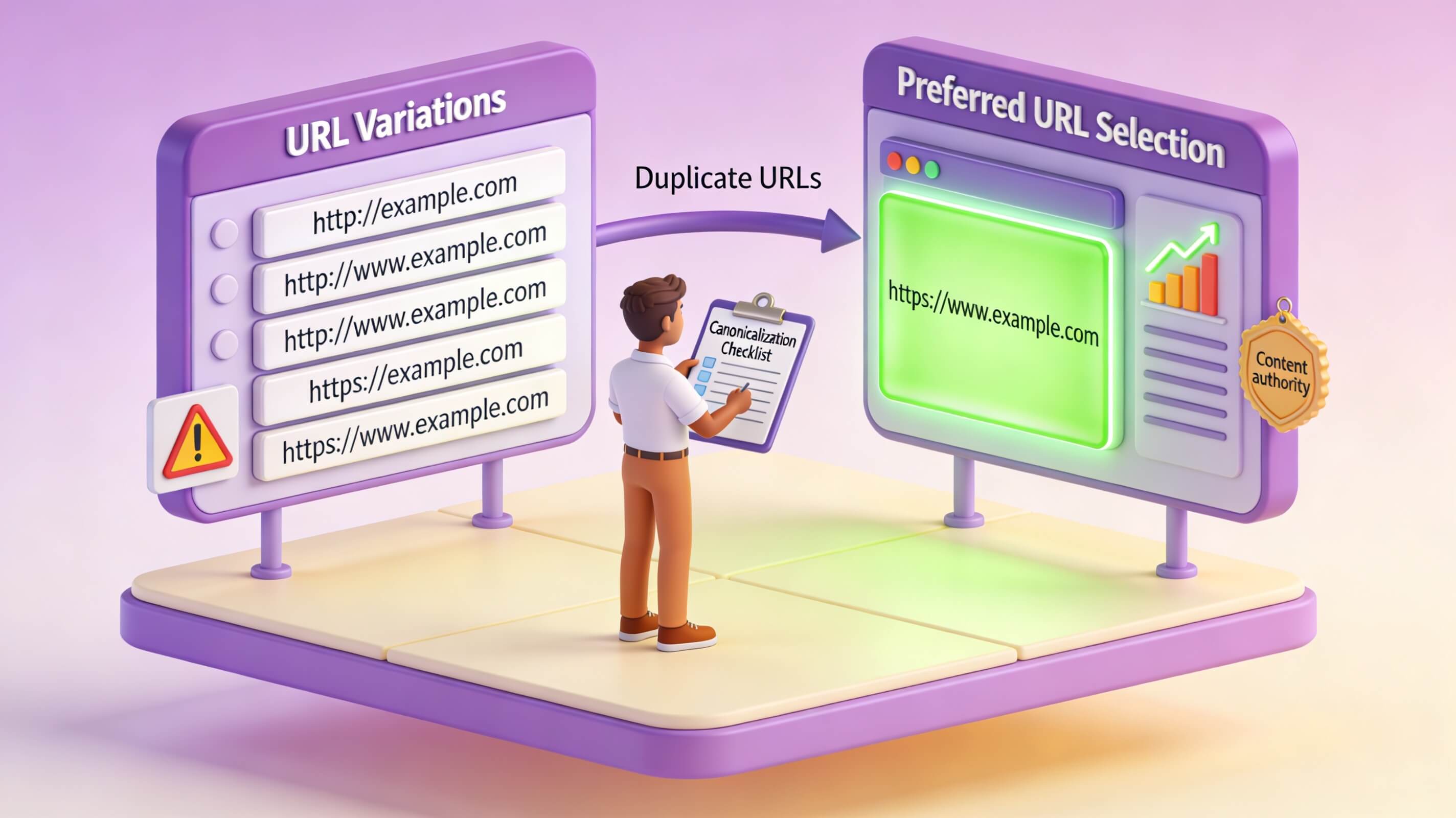
URL structure inconsistencies represent another major scenario. Minor variations in URL format create duplicate issues that surprise many webmasters. Trailing slashes distinguish example.com/page from example.com/page/ in server configurations, but they contain identical content. Case sensitivity treats /Product differently from /product, even though both likely serve the same page. Protocol inconsistency creates duplicates when some pages use http:// while others use https://. The www vs. non-www issue proves particularly common: www.example.com/page and example.com/page serve identical content at different addresses. Trailing slashes, capitalization, and URL parameters are all common canonicalization issues requiring consistent resolution. Content management system and faceted navigation duplicates add another layer of complexity. Modern CMS platforms frequently generate multiple URLs for the same content. Category and tag page overlaps create duplicates when the same article appears in multiple categories. Faceted navigation filters on product sites generate unlimited URL combinations. Pagination can create distinct URLs for what’s essentially the same content (product listing pages 1, 2, 3, etc.).
Syndicated and republished content rounds out the list of common scenarios. When you republish your content on partner sites or allow content syndication, duplicate content appears across different domains. Syndicated content across domains requires cross-domain canonicals pointing back to the original content. Without proper canonicalization, search engines might index and rank the syndicated version instead of your original, causing you to lose ranking credit for your own content. I once consulted for a publishing house that syndicated articles to three major news aggregators without any canonical tags. Within six months, the aggregator versions were outranking the original content for the exact same queries. Implementing cross-domain canonical tags reversed this trend within eight weeks, restoring the original site’s ranking dominance.
Implementing Canonical Tags: The Primary Canonicalization Method
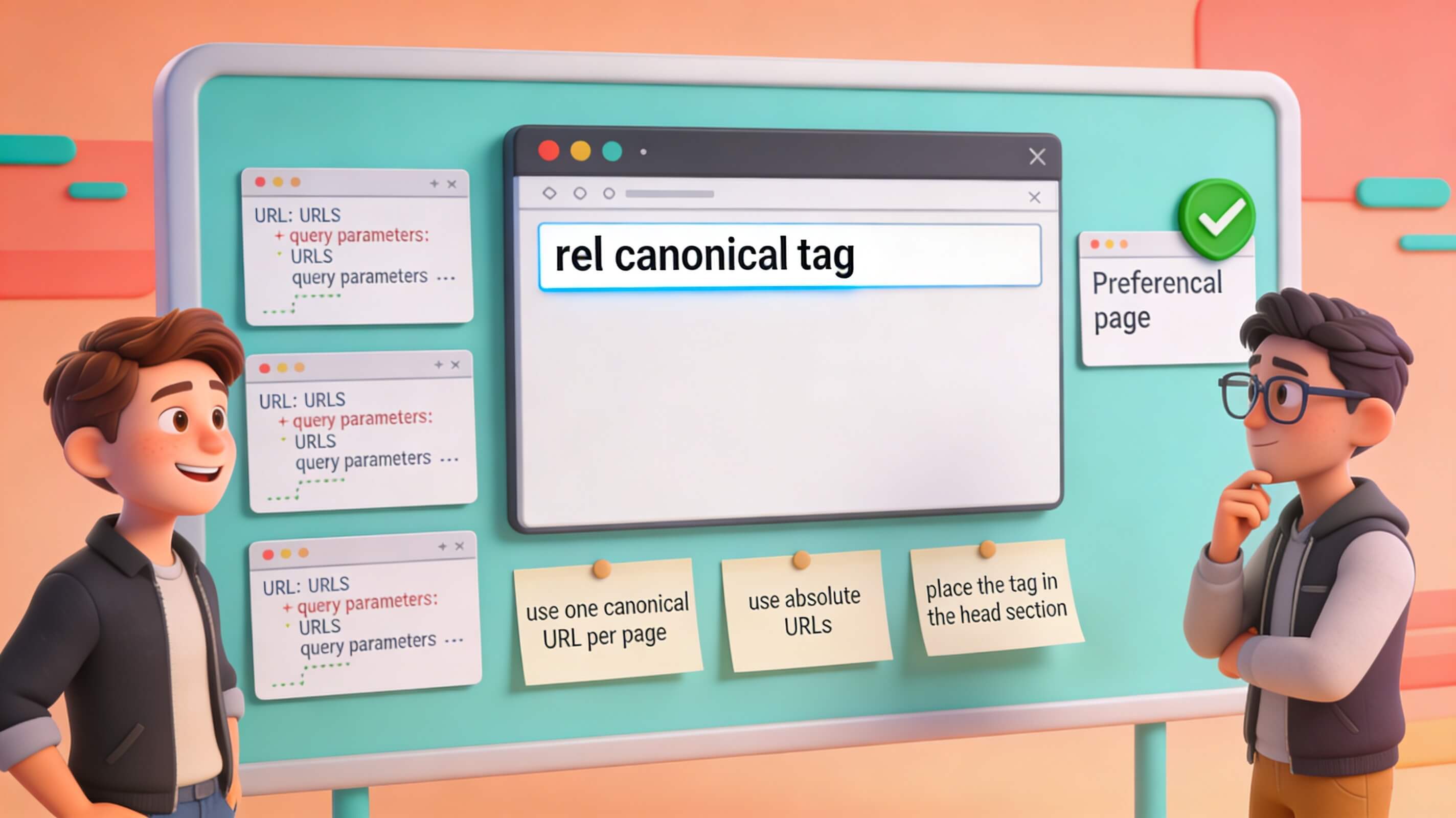
The canonical tag represents the most straightforward, widely-supported method for implementing URL canonicalization. This simple HTML element tells search engines: “This is the authoritative version of this content.” The basic canonical tag follows this format: <link rel="canonical" href="https://www.example.com/preferred-page/">. This single line of HTML, placed in the page’s <head> section (never in the body), communicates directly to search engine crawlers that the specified URL is the preferred version. The canonical tag must be placed in the <head> section of the HTML document, as search engines expect to find it there by default. Absolute URLs are mandatory. The canonical tag must include the complete URL with protocol and domain. For example, <link rel="canonical" href="https://www.example.com/page/"> is correct, while <link rel="canonical" href="/page/"> is wrong because it uses a relative URL. Using relative URLs creates inconsistencies where different browsers or servers might interpret the “base” URL differently, causing the canonical to point to unintended locations. Canonical tags should always reference absolute URLs, including protocol and domain.
Implementation for different scenarios requires nuanced thinking. For standard duplicate content—when you have two versions of the same page, for example both example.com/page and example.com/page/ with trailing slash—the non-preferred version uses a canonical tag pointing to the preferred version. On the non-preferred version, you would add <link rel="canonical" href="https://example.com/page/">. Self-referencing canonicals are also best practice: even your canonical page should include a canonical tag pointing to itself, reinforcing to Google which version is preferred. For URL parameter-based duplicates (UTM codes, session IDs, filter options), the duplicate page points to the clean, parameter-free URL. For instance, on example.com/shoes?color=blue, you would use <link rel="canonical" href="https://example.com/shoes">. For pagination, despite common misconception, each page in a paginated series should self-reference with its own canonical tag. Page 1 uses <link rel="canonical" href="https://example.com/products?page=1">, and page 2 uses <link rel="canonical" href="https://example.com/products?page=2">. Never use a single canonical for all pagination pages—this creates ambiguity about which version to index.
Alternative implementation methods exist for specific situations. For non-HTML files like PDFs, images, or APIs, you can use the canonical HTTP header: Link: <https://example.com/pdf-document>; rel="canonical". XML sitemaps also play a supporting role: while not a replacement for canonical tags, including only canonical URLs in your XML sitemap signals preference to search engines. Most modern CMS platforms like WordPress, Shopify, and Drupal include built-in canonical tag management. WordPress plugins like Yoast SEO and Rank Math provide interface options to add canonical URLs without code editing, making implementation accessible even for non-developers. However, always verify that your CMS or plugin is generating canonicals correctly—I’ve seen plugins produce conflicting or broken canonicals that actually hurt SEO rather than help it.
Master Best Practices for Canonicalization Success
Implementing canonicalization correctly requires more than understanding syntax—it demands strategic thinking about your site’s URL structure and user experience goals. The first best practice is to always use absolute, complete URLs. The canonical href attribute must include the full URL path: protocol (https://), domain name (www.example.com), and complete path (/page/). This eliminates ambiguity that search engines might struggle interpreting relative URLs. For example, use <link rel="canonical" href="https://www.example.com/products/shoes/"> rather than <link rel="canonical" href="products/shoes/"> or <link rel="canonical" href="/shoes/">. The second best practice is to maintain exactly one canonical tag per page. Multiple canonical tags on the same page create conflicting signals, and search engines won’t know which URL to prioritize when two canonicals point to different locations. Ensure every page contains exactly zero (for pages that shouldn’t be indexed) or one canonical tag (all other pages).
The third best practice is to use self-referencing canonicals. Each important page should include a canonical tag pointing to itself. This practice establishes definitive URL identity even on the canonical version itself. For example, on https://example.com/shoes, add <link rel="canonical" href="https://example.com/shoes">. The fourth best practice is to ensure the canonical URL actually exists and is accessible. The canonical target must be a real, accessible page. Never canonical to a non-existent URL, as search engines won’t be able to index the target and the canonical becomes useless. Verify that the canonical URL returns HTTP 200 status code, is not blocked by robots.txt, does not have a noindex directive, and is actually accessible to users. The fifth best practice is to avoid canonical chains. Never create a chain where URL A canonicals to URL B, and URL B canonicals to URL C. This wastes Google’s crawl budget following multiple redirects. The canonical should always point directly to the final target. For example, instead of having /page2 canonical to /page1 which then canonicals to /main-page, have /page2 canonical directly to /main-page.
The sixth best practice is to maintain URL structure consistency across your entire site. Decide on your preferred URL format and apply it consistently: use HTTPS over HTTP, decide between www vs. non-www (and set your preference in Google Search Console), choose trailing slash or non-trailing slash format, use lowercase letters to avoid /Product vs /product inconsistency, and use consistent parameter ordering if parameters are necessary. Apply these decisions site-wide so canonicals reinforce consistent URL structure rather than fighting against it. The seventh best practice is to update canonicals when site changes occur. When you migrate content, move URLs, or restructure your site, update canonical tags accordingly. Forgotten or outdated canonicals pointing to old URL structures confuse search engines and prevent proper indexing of new content. I’ve seen sites lose months of ranking progress because they migrated to a new domain but left old canonicals pointing to the previous site, effectively telling Google to ignore the new content entirely.
Avoiding Canonicalization Mistakes That Damage Rankings
Common canonicalization errors can severely damage your SEO performance by misdirecting search engine authority, confusing indexing systems, and wasting crawl budget. The first critical mistake is canonicalizing to a competitor or unrelated site. Never, under any circumstances, point your canonical tag to another domain’s URL (unless that domain is your own property). This signals to Google that the other site’s version is authoritative, causing your page to be devalued and possibly delisted from search results while the competitor’s version ranks instead. Incorrect canonical configurations can severely damage your site’s SEO performance. The second mistake is mixing 301 redirects and canonical tags on the same page. Using both a 301 redirect AND a canonical tag creates confusion for search engines. Choose one method: use 301 redirects when consolidating old URLs during migration, and use canonical tags when you want to keep multiple URLs active but signal preference. Combining them wastes resources and potentially confuses search engines about which signal to follow.
The third mistake is canonicalizing to a noindexed page. If your canonical target page has <meta name="robots" content="noindex"> or a noindex HTTP header, that page won’t be indexed. Consequently, the canonical tag becomes useless since Google can’t index the target. Always verify your canonical target page is indexable (not noindex), crawlable (not blocked by robots.txt), returns HTTP 200 status code, and is actually accessible publicly. The fourth mistake is creating non-canonical versions that compete with each other. For example, if you have three product color variants all creating their own canonical targets instead of pointing to a main product page, you’ve created three competing “canonical” URLs fighting for ranking. Choose one single canonical target for all variants. The fifth mistake is neglecting self-referencing canonicals. Some webmasters assume the canonical only applies to duplicate pages, but best practice recommends self-referencing canonical tags on every page, even the canonical version. This reinforces identity and prevents other versions from being incorrectly selected as canonical.
The sixth mistake is case sensitivity confusion. URLs are technically case-sensitive to servers, meaning /Product, /product, and /PRODUCT might all be distinct URLs in search engines’ eyes. Create canonicals pointing all case variations to lowercase versions (the web standard). On /Product page, add <link rel="canonical" href="https://example.com/product">. The seventh mistake is conflicting with hreflang tags. For international sites, don’t use canonical tags for language variations. Use hreflang instead to tell Google about language versions. For example, the English page should have <link rel="alternate" hreflang="en" href="https://example.com/page"> and <link rel="alternate" hreflang="es" href="https://example.com/es/page">, but you should NOT use canonical tags for language versions. These mistakes are surprisingly common even on well-known websites. I once audited a Fortune 500 ecommerce site that had accidentally canonicalized their entire product catalog to the homepage—a single misplaced tag that took weeks to identify and cost them an estimated $200,000 in lost revenue during that period.
Advanced Canonicalization Scenarios and Solutions
Beyond basic implementations, complex website structures require sophisticated canonicalization strategies. Pagination in category and archive pages is a common advanced scenario. A common mistake is using a single canonical pointing to page 1 for all pagination pages. The correct approach is that each pagination page self-references its own URL. Category page 1 uses <link rel="canonical" href="https://example.com/products?page=1">, and category page 2 uses <link rel="canonical" href="https://example.com/products?page=2">. Do not canonical all pages to page=1. Faceted navigation in ecommerce sites with product filters (color, size, brand, price range) generates unlimited URL combinations. The strategy here is to identify the “parent” product page (no filters applied) and have all filter combinations canonical to the parent page (without parameters). Allow Google to crawl filters to discover inventory, but don’t prioritize indexing filtered versions. On /shoes?brand=Nike&color=blue, add <link rel="canonical" href="https://example.com/shoes"> pointing to the base product URL without filters.
Dynamic content with session IDs requires careful handling. When servers create session identifiers automatically, specify which parameter is the session ID in Google Search Console and use canonicals pointing to the clean URL. On a page with a session ID, add <link rel="canonical" href="https://example.com/products/shoes"> and never include the sessionid= parameter in the canonical. Content syndication across domains is another advanced scenario. When content appears on multiple websites (your original plus syndication partners), the syndicated version must canonical back to your original. On publisher.com republishing your content, add <link rel="canonical" href="https://youroriginalsite.com/article"> to ensure you get ranking credit. AMP (Accelerated Mobile Pages) and mobile subdomains also require specific handling. For AMP pages, use both canonical and rel="amphtml". On the desktop version, add <link rel="canonical" href="https://example.com/article"> and <link rel="amphtml" href="https://m.example.com/amp/article"> to tell Google about the AMP relationship.
Conclusion
URL canonicalization is a foundational element of technical SEO that directly impacts how search engines interpret, index, and rank your website’s content. As we have explored, the core principle is simple—identify the single, authoritative version of each page and communicate that preference clearly to search engines—yet the execution requires meticulous attention to detail across every aspect of your site architecture.
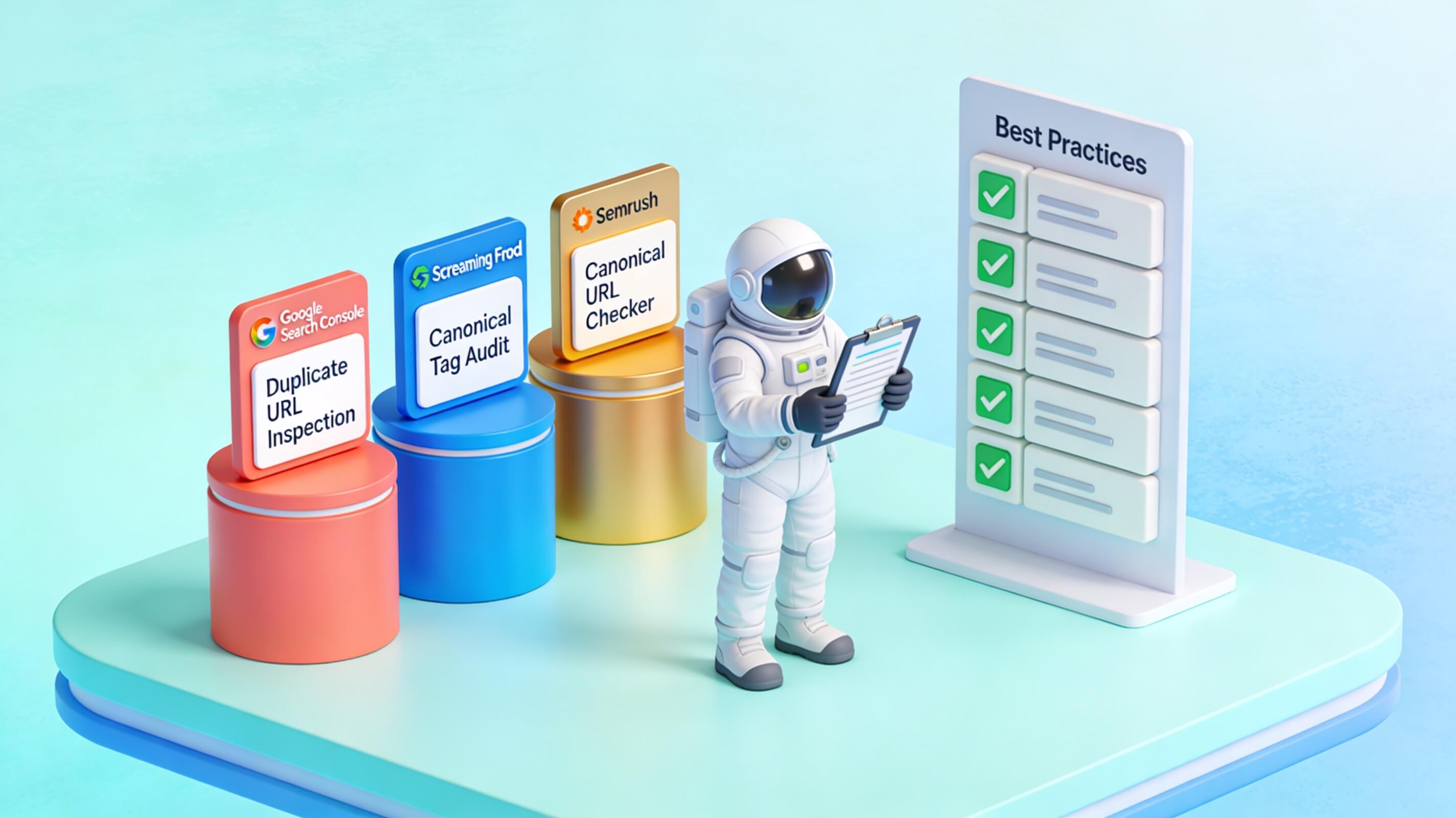
Throughout this article, we covered the essential best practices: selecting one canonical form for each URL, using absolute URLs in your <link rel="canonical"> tags, and ensuring self-referencing canonicals on preferred pages. We examined the critical importance of consistency across all signals—canonical tags, sitemaps, internal links, and redirects—to avoid confusing search engine crawlers. We also delved into advanced scenarios such as handling URL parameters, dynamic content with session IDs, content syndication, and the interplay between AMP, mobile subdomains, and your main domain.
Perhaps the most vital takeaway is that canonicalization is not a “set it and forget it” task. Websites evolve—new products are added, URL structures change, and content is syndicated. Regular audits using tools like Google Search Console, Screaming Frog, or custom crawlers are essential to catch misconfigurations before they dilute your search equity. A single broken canonical or conflicting signal can cause search engines to index the wrong version of a page, splitting link equity and harming rankings.
In the end, mastering URL canonicalization means taking control of your site’s narrative. When you clearly and consistently tell search engines which pages matter most, you consolidate your ranking power, improve crawl efficiency, and provide a better user experience by directing visitors to the right URLs. Implement these best practices diligently, audit regularly, and your site will reap the long-term rewards of a clean, authoritative web presence. The effort invested in canonicalization is an investment in your site’s credibility and visibility—one that pays dividends in search performance for years to come.